10 Free Online Security Tools You Should Be Using Right Now
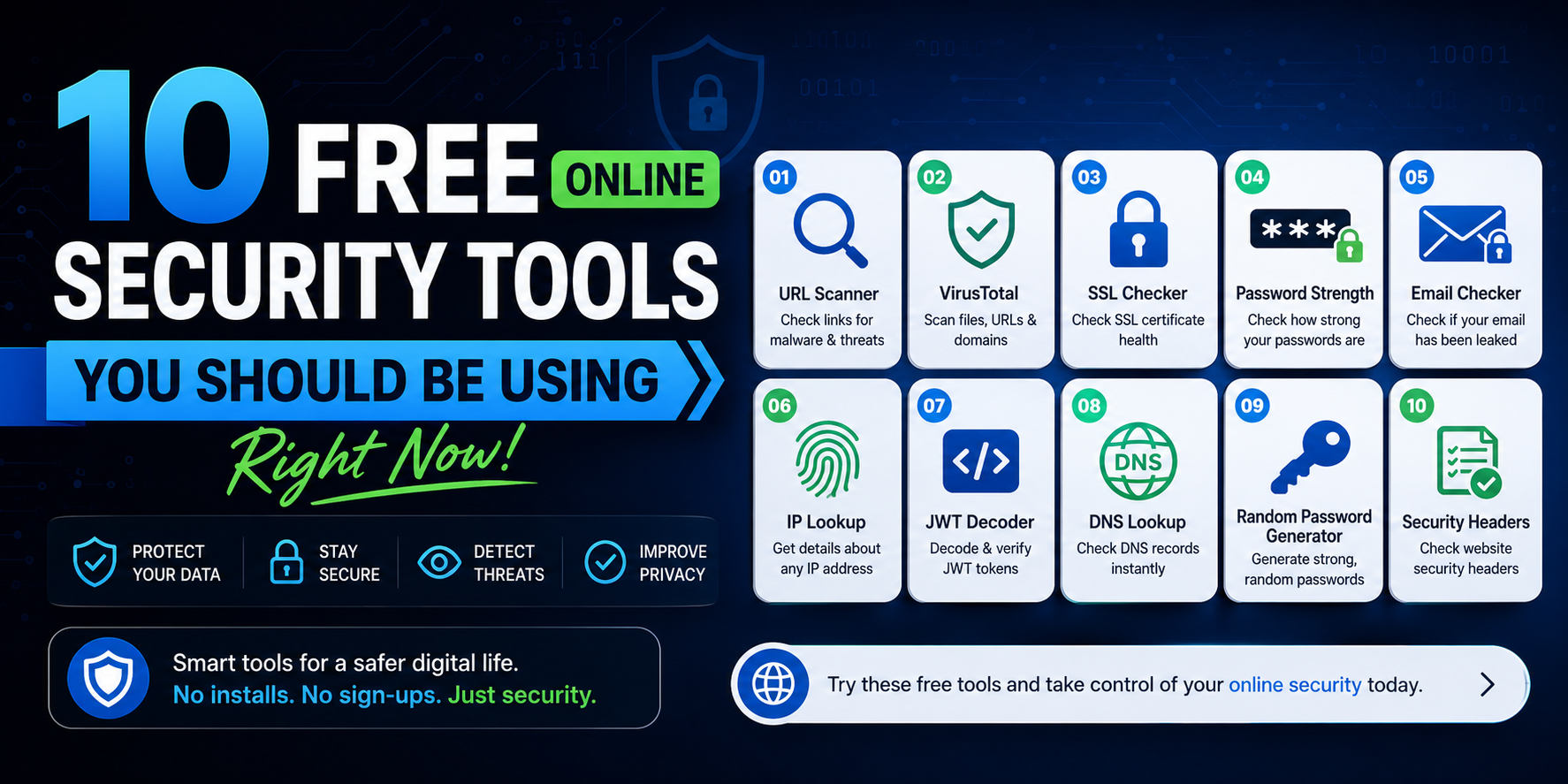
Most people don't think about cybersecurity until something goes wrong. Here are 10 genuinely useful free security tools — the ones professionals actually use — that anyone can start using today.
Why Online Security Tools Matter More Than Ever
Let's be honest — most people don't think about cybersecurity until something goes wrong. A hacked Instagram account, a leaked password, or a suspicious email that turned out to be a phishing scam. By then, the damage is already done.
The good news? You don't need to be a tech expert or spend money on expensive software to protect yourself online. There are genuinely useful, free security tools available right now that can make a real difference — tools that security professionals actually use and recommend.
I've put together this list based on what actually works. No fluff, no tools that just look impressive but do nothing. Just practical tools that solve real problems.
1. TOTP 2FA Generator — Your First Line of Defense
If you're still relying only on passwords to protect your accounts, you're one data breach away from losing everything. Two-factor authentication (2FA) changes that completely.
A TOTP (Time-based One-Time Password) generator creates a unique 6-digit code every 30 seconds. Even if a hacker gets your password, they still can't log in without this code. Think of it as a second lock on your door — even if someone has your key, they still can't get in without the second one.
2FA.AC offers a free, browser-based TOTP generator that works instantly — no app download, no account required. You just enter your secret key and it generates the code on the spot. It's particularly useful if you're setting up 2FA for the first time and don't yet have an authenticator app installed.
Who needs this: Everyone. Seriously. Start with your email and banking accounts first — those are the ones hackers target most.
2. Password Strength Checker — Is Your Password Actually Strong?
Most people think their password is strong because it has a capital letter and a number. Spoiler: it's probably not.
Passwords like Password123! or John1990! get cracked in seconds by modern tools. A good password strength checker analyzes your password against real-world attack patterns — not just whether it has special characters.
The Password Strength Checker at 2FA.AC evaluates your password in real time and shows you exactly what makes it weak or strong. Everything runs in your browser — your password is never sent to any server. That's important, because you should never type your real passwords into a random website that sends data to its own servers.
What makes a truly strong password:
- At least 16 characters long
- A random mix of letters, numbers, and symbols
- No real words, names, or dates
- Different for every account
3. Password Breach Checker — Has Your Password Already Been Stolen?
Here's something unsettling: there's a good chance your password is already floating around on the dark web right now. Billions of passwords have been leaked through data breaches at companies like LinkedIn, Adobe, Yahoo, and hundreds of others.
The Password Breach Checker tells you whether your password has appeared in a known data breach. It uses a clever technique called k-anonymity — your actual password is never sent anywhere. Instead, it sends only a partial hash of your password and checks it against a massive database of leaked credentials.
If your password shows up in the results, change it immediately — on every site where you use it.
4. Password Generator — Stop Making Up Passwords Yourself
Human beings are terrible at creating random passwords. We gravitate toward patterns, familiar words, and numbers that mean something to us. Hackers know this and exploit it.
A password generator creates truly random passwords that no one — human or machine — could easily predict. The Password Generator at 2FA.AC lets you customize the length and character types, and generates passwords entirely in your browser with no data sent anywhere.
Pair it with a password manager like Bitwarden (free) or 1Password, and you'll never have to remember a complex password again — except the one for your password manager itself.
5. JWT Decoder — Essential for Developers
If you work with APIs or build web applications, you've almost certainly encountered JSON Web Tokens (JWTs). These encoded strings carry authentication information, and debugging them can be a pain.
The JWT Decoder instantly breaks down any JWT into its three components — header, payload, and signature — and displays them in a readable format. You can see exactly what's inside the token, verify the claims, and check the expiration time.
Important note: Never paste real production tokens containing sensitive user data into any online tool unless you're absolutely sure it doesn't log your input. The 2FA.AC JWT decoder runs entirely in your browser and stores nothing.
6. Hash Generator — Verify File Integrity and More
Hash functions are everywhere in cybersecurity — from storing passwords securely to verifying that a downloaded file hasn't been tampered with. If you've ever downloaded software and seen a SHA-256 checksum next to the download link, that's a hash.
The Hash Generator supports MD5, SHA-1, SHA-256, and SHA-512. You can paste any text and instantly get its hash value. This is useful for:
- Verifying file integrity after downloading software
- Understanding how password hashing works
- Creating checksums for your own files
- Learning cryptographic concepts hands-on
7. IP Lookup — Know Where Connections Are Coming From
Ever received a suspicious login alert and wondered where it came from? Or noticed an unfamiliar IP in your server logs? An IP Lookup tool can tell you the approximate location, ISP, and organization associated with any IP address.
The IP Lookup tool gives you a quick geographic and network profile of any IP. It's handy for identifying potentially suspicious activity, understanding where your website visitors are coming from, or investigating security incidents.
8. DNS Lookup — Check What's Really Behind a Domain
DNS records are the internet's phone book — they tell your browser where to go when you type in a website address. But they contain a lot more information than just the IP address, and that information can be valuable for security purposes.
With the DNS Lookup tool, you can check A records, MX records, TXT records, CNAME records, and more for any domain. This is useful for:
- Verifying your own DNS configuration after making changes
- Checking if a domain has proper email security records (SPF, DKIM)
- Investigating whether a suspicious domain is legitimate
- Troubleshooting website connectivity issues
9. WHOIS Lookup — Who Actually Owns That Domain?
Phishing sites and scam websites often look convincing at first glance. But a quick WHOIS lookup can reveal how old a domain is, who registered it, and sometimes where the registrant is located.
A domain that was registered two weeks ago claiming to be your bank's official site? That's a red flag. The WHOIS Lookup tool gives you this information instantly.
10. Link Checker — Don't Click on Suspicious Links Blindly
Phishing attacks often arrive through links — in emails, text messages, or even social media DMs. Before you click on anything that seems slightly off, run it through a link checker first.
The Link Checker analyzes URLs for potential phishing patterns, suspicious redirects, and known malicious domains. It's a simple habit that can save you from a lot of trouble.
Building Your Personal Security Stack
You don't need to use all of these tools every day. Think of them as a toolkit — you reach for the right tool when you need it. Here's a practical starting point:
- This week: Enable 2FA on your email, banking, and social media accounts
- This week: Check your most-used passwords with the breach checker
- This month: Replace weak passwords with generated ones and store them in a password manager
- Ongoing: Use the link checker before clicking anything suspicious
- When needed: Use WHOIS and DNS lookup when investigating unfamiliar domains
The Bigger Picture
Online security isn't about paranoia — it's about reducing risk. No tool or habit makes you completely invulnerable, but using the right tools consistently puts you in a dramatically stronger position than the average person.
The tools listed here are free, private (your data doesn't leave your browser), and genuinely useful. There's no reason not to use them. Start with 2FA — it's the single highest-impact thing you can do for your account security right now — and build from there.
All of these tools are available at 2FA.AC, completely free with no account required.
Frequently Asked Questions
Secure Your Accounts with 2FA
Enable two-factor authentication and protect your accounts from unauthorized access.
Explore 2FA Tools →