How to Check if Your Password Has Been Leaked — And What to Do Next
Billions of passwords are floating around the internet from past data breaches. Here's how to check if yours is one of them — and exactly what to do if it is.
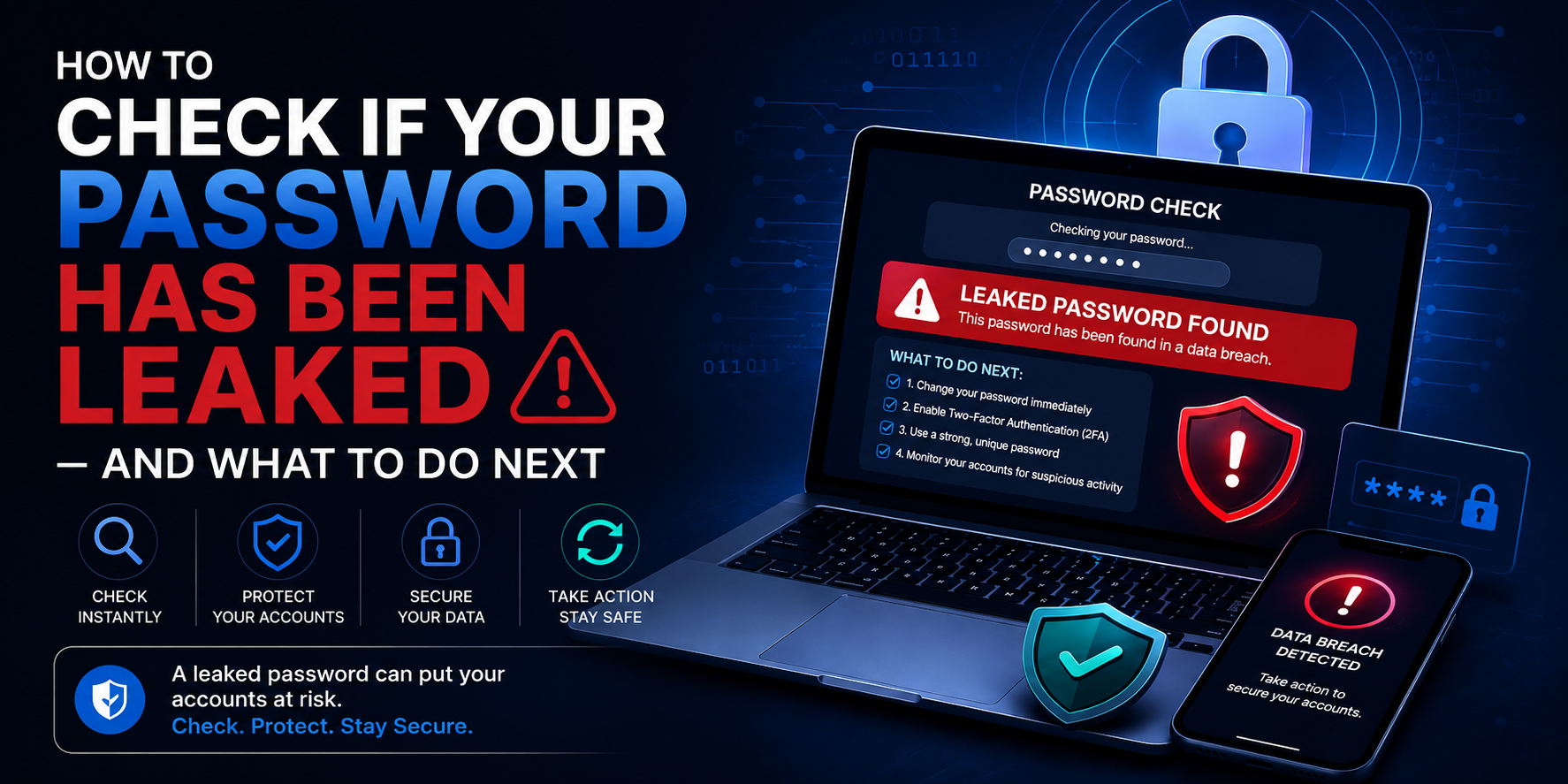
Your Password Might Already Be Out There
Here's something most people don't want to think about: there's a reasonable chance that at least one of your passwords is already circulating on the internet right now. Not because you did anything wrong necessarily — but because a company you trusted with your data got breached, and your credentials ended up in a dump file somewhere on the dark web.
This isn't speculation. Over 10 billion unique email and password combinations have been leaked in data breaches over the past decade. LinkedIn, Adobe, Yahoo, Dropbox, Facebook — the list of companies that have suffered major breaches is long and includes names you'd never expect to be vulnerable.
The good news is that checking whether your password has been compromised is easy, free, and takes about 30 seconds. Here's exactly how to do it — and what to do if you find out your password is out there.
How Do Passwords Get Leaked in the First Place?
Understanding how this happens helps you understand the risk. When you create an account on a website, that site stores your password in its database. Responsible companies don't store the actual password — they store a "hash," which is a scrambled version that can't easily be reversed. Less responsible companies store passwords in plain text or use weak hashing methods.
When hackers breach a company's database, they get access to this stored data. If the passwords are hashed, they'll run them through cracking tools that try billions of combinations. Weak passwords crack almost immediately. Even moderately complex passwords can be cracked given enough time and computing power.
Once cracked, these email/password combinations are sold on dark web marketplaces, shared in hacker forums, or compiled into massive lists that anyone with the right access can download. These lists are called "breach dumps" or "combo lists," and they're the starting point for a huge proportion of account takeovers.
How to Check if Your Password Has Been Leaked
Method 1: Use a Password Breach Checker
The safest and most privacy-friendly way to check your password is using a tool that uses k-anonymity — a technique that lets you check without ever sending your actual password anywhere.
The Password Breach Checker at 2FA.AC works exactly this way. Here's what happens behind the scenes:
- Your password is hashed locally in your browser using SHA-1
- Only the first 5 characters of that hash are sent to the API
- The API returns all hashes that start with those 5 characters
- Your browser checks if your full hash is in that list
- Result: you find out if your password was leaked, without your password ever leaving your device
This method was developed by security researcher Troy Hunt and is used by browsers like Chrome and Firefox for their built-in password monitoring features. It's the gold standard for privacy-preserving breach checking.
Method 2: Check Your Email Address
Checking your password directly is useful, but checking your email address against breach databases gives you a broader picture. HaveIBeenPwned.com (created by Troy Hunt) lets you enter your email address and see every known breach that included it.
This is worth doing even if your current passwords are strong — it tells you which services have been breached and whether you need to update credentials on those specific platforms.
Method 3: Use Your Browser's Built-in Password Monitor
Both Chrome and Safari have built-in password monitoring that alerts you when a saved password appears in a known breach. If you use a password manager built into your browser, check the security dashboard — it will flag compromised passwords automatically.
What the Results Mean
If your password appears in 0 breaches
Good news — but don't get too comfortable. "Not found" means it hasn't appeared in any breach database that's currently known about. It doesn't mean the password is strong, and it doesn't mean it won't appear in a future breach.
If your password appears in 1–10 breaches
Change it immediately on every site where you use it. Then enable 2FA on those accounts. The password is out there and could be used in credential stuffing attacks — where hackers try the same email/password combination across hundreds of sites automatically.
If your password appears in hundreds or thousands of breaches
This usually means it's an extremely common password — something like "password123" or "qwerty" — that appears in almost every breach dump. Change it everywhere immediately and never use anything like it again.
What to Do If Your Password Was Leaked
Step 1: Change the password immediately
Don't wait. Log into every account where you use that password and change it right now. Use a different password for each site — generate strong ones here.
Step 2: Enable Two-Factor Authentication
Even if someone has your password, 2FA stops them from getting in. Enable it on every account that supports it — especially email, banking, and social media. You can generate 2FA codes instantly at 2FA.AC.
Step 3: Check for suspicious activity
Log into the affected accounts and look at recent activity. Most platforms show you recent logins including location and device. If you see anything unfamiliar, log out all sessions and change your password again.
Step 4: Get a password manager
If you're reusing passwords across sites — and most people are — a password manager is the solution. Bitwarden is free, open source, and excellent. 1Password is paid but very polished. Either one will generate and store unique, complex passwords for every site so you never have to reuse one again.
Step 5: Check your other accounts
If one password was leaked, assume other passwords might be too — especially if you've reused similar patterns. Run a check on your other common passwords as well.
How to Make Sure This Doesn't Happen Again
Use unique passwords everywhere
This is the single most important habit. If each account has a different password, a breach of one site can't compromise your other accounts. Yes, it means more passwords to manage — that's what password managers are for.
Use long, random passwords
Short passwords and passwords based on real words get cracked first. A randomly generated 20-character password takes astronomically longer to crack than "MyDog$Name2019" — even though the latter feels more complex. Use the Password Generator at 2FA.AC to create truly random passwords.
Enable 2FA on everything important
With 2FA enabled, a leaked password alone isn't enough to break into your account. The attacker would also need access to your phone or authenticator app. This one step blocks the vast majority of account takeover attempts.
Stay alert to phishing
Many people's passwords get stolen not through database breaches but through phishing — fake login pages designed to capture your credentials. Always check the URL before entering your password. When in doubt, go directly to the site by typing the address rather than clicking a link.
The Bottom Line
Checking whether your password has been leaked takes less than a minute and costs nothing. There's no reason not to do it right now — especially for your email account, which is the master key to everything else online.
If you find your password in a breach, don't panic. Change it, enable 2FA, and move on. The goal isn't to achieve perfect security — it's to be more secure than you were yesterday. Each of these steps makes you a significantly harder target.
Check your password now at 2FA.AC's Password Breach Checker — it's free, private, and takes about 10 seconds.
Frequently Asked Questions
Check If Your Password Was Leaked Right Now
Free, instant, and 100% private. Your password never leaves your browser.
Check Password Now →