JSON Formatter — How to Read, Format and Validate JSON
Raw JSON from an API is unreadable. Formatted JSON takes 3 seconds to understand. Here's what a JSON formatter actually does, why JSON gets minified, and how to fix common syntax errors.
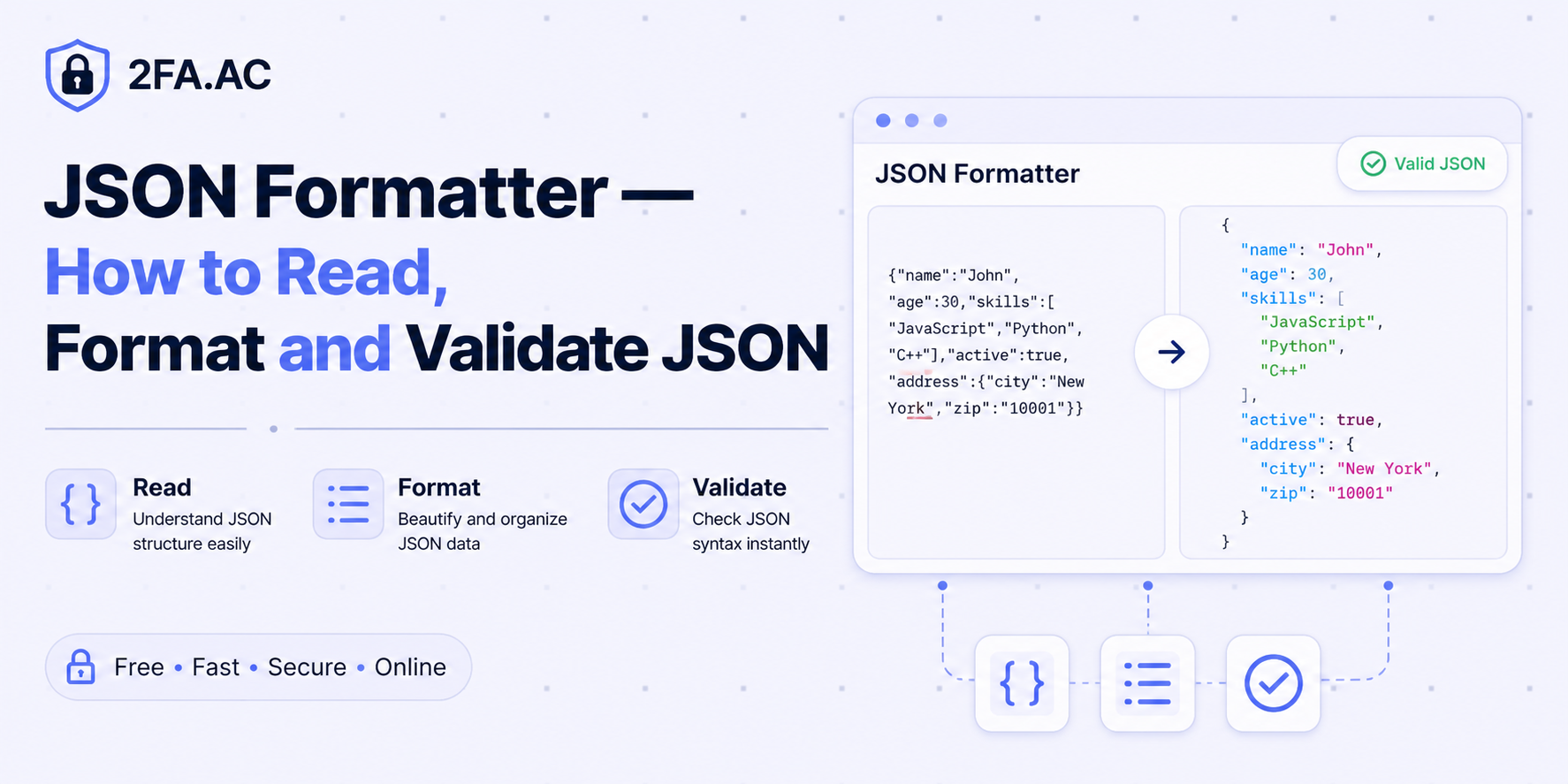
Raw JSON Is Unreadable. Formatted JSON Is Not.
Here's what a typical API response looks like when it comes back from a server:
{"user":{"id":12345,"name":"Sarah Chen","email":"sarah@example.com","role":"admin","created_at":1716239022,"preferences":{"theme":"dark","notifications":true,"language":"en"}},"session":{"token":"eyJhbGc...","expires_in":3600}}
That's valid JSON. It has all the data. A computer reads it perfectly.
A human trying to debug something at 11pm? Not so much.
Now here's the same JSON, formatted:
{
  "user": {
    "id": 12345,
    "name": "Sarah Chen",
    "email": "sarah@example.com",
    "role": "admin",
    "created_at": 1716239022,
    "preferences": {
      "theme": "dark",
      "notifications": true,
      "language": "en"
    }
  },
  "session": {
    "token": "eyJhbGc...",
    "expires_in": 3600
  }
}
Same data. Instantly readable. Structure visible at a glance. Nested objects obvious. That's what a JSON formatter does, and it's one of those tools that sounds trivial until you're staring at a 500-line minified response trying to find why your API call is failing.
What Is JSON?
JSON stands for JavaScript Object Notation. It's a text-based data format that became the default language of the web for passing data between servers and clients. If two systems on the internet need to talk to each other today, there's a very good chance they're doing it in JSON.
The format has a few simple rules:
Data is in key-value pairs:
"name": "Sarah"Keys are always strings in double quotes
Values can be strings, numbers, booleans (true/false), null, arrays, or objects
Objects are wrapped in curly braces:
{}Arrays are wrapped in square brackets:
[]Items in objects and arrays are separated by commas
That's genuinely it. The simplicity is what made JSON win over XML as the dominant data format. XML requires opening and closing tags for everything. JSON is leaner, more readable, and maps naturally to the data structures developers already work with.
Why JSON Gets Minified in the First Place
Whitespace — spaces, tabs, newlines — adds bytes. In JSON, whitespace outside of strings is purely cosmetic. Removing it makes the file smaller, which means faster transfer over the network.
For a small API response, this doesn't matter much. For a large dataset being served millions of times a day, removing whitespace can meaningfully reduce bandwidth costs and improve response times.
So production APIs typically serve minified JSON. Your browser receives it, your JavaScript parses it, your application uses it — and if anything goes wrong and you need to actually look at what came back, you're staring at a wall of compressed text.
A formatter adds the whitespace back. It indents nested objects, puts each key-value pair on its own line, and makes the hierarchical structure visually apparent. This is purely for human consumption — the underlying data is identical.
What a JSON Formatter Also Does: Validation
Formatting is the visible part. Validation is often more valuable.
JSON syntax is strict. A missing comma, an extra bracket, a key without quotes, a trailing comma after the last item in an array — any of these will break a JSON parser and cause cryptic errors in your application. Finding the mistake in 300 characters of minified JSON is genuinely difficult.
A JSON validator parses the JSON and either confirms it's valid or tells you exactly where the syntax error is. This is particularly useful when:
You're hand-writing JSON configuration files and something isn't working
An API is returning what looks like JSON but your parser is throwing errors
You're building a JSON string by concatenation (fragile, but it happens) and need to verify the result
A colleague sent you JSON data and you need to confirm it's well-formed before processing it
The JSON Formatter at 2FA.AC both formats and validates — if there's a syntax error, it tells you where. If the JSON is valid, it formats it with consistent indentation.
Common JSON Mistakes That Break Parsers
If you write JSON by hand (in config files, test fixtures, API mocks), these are the mistakes that come up constantly:
Trailing commas
JavaScript allows trailing commas in object and array literals. JSON does not.
// This is valid JavaScript but invalid JSON:
{
  "name": "Sarah",
  "role": "admin",   ← this comma breaks JSON
}
This trips up developers who are used to JavaScript syntax. The JSON spec explicitly forbids trailing commas.
Single quotes instead of double quotes
JSON keys and string values must use double quotes. Single quotes are not valid.
// Invalid JSON:
{'name': 'Sarah'}

// Valid JSON:
{"name": "Sarah"}
Unquoted keys
In JavaScript object literals, keys don't need quotes. In JSON, they always do.
// Invalid JSON:
{name: "Sarah"}

// Valid JSON:
{"name": "Sarah"}
Comments
JSON does not support comments. This surprises many developers who come from languages where comments are ubiquitous. If you need commented configuration files, consider YAML or TOML instead of JSON.
// Invalid JSON:
{
  // This is a comment — not allowed in JSON
  "name": "Sarah"
}
Mismatched brackets
A missing closing bracket or an extra one breaks the entire document. In a long, deeply nested JSON structure, finding the mismatch manually is painful. A validator pinpoints it immediately.
Formatting JSON in Different Contexts
In a browser's developer tools
Most modern browsers format JSON responses automatically in the Network tab. Click on an API request, go to the Response tab, and if it returned JSON, you'll see it formatted. Chrome even lets you collapse and expand nested objects. This is often the fastest way to inspect an API response during development.
In VS Code
Open a JSON file, press Shift+Alt+F (Windows/Linux) or Shift+Option+F (Mac), and VS Code formats it using your configured formatter. There are also extensions like Prettier that handle JSON formatting as part of your overall code formatting setup.
On the command line
python -m json.tool file.json formats a JSON file using Python's built-in JSON library. jq is a more powerful command-line JSON processor that can format, filter, and transform JSON. Both are useful when working with JSON files in a terminal.
In your code
Most languages have built-in JSON formatting. In JavaScript, JSON.stringify(data, null, 2) produces formatted JSON with 2-space indentation. The second argument (null) means no replacement function; the third argument (2) is the indentation level.
Online, instantly
Sometimes you just need to quickly format a blob of JSON that you've copied from somewhere. The JSON Formatter at 2FA.AC handles this — paste, format, done. No account, no installation, no waiting. Everything runs in your browser.
JSON in API Development
If you're building or consuming REST APIs, understanding JSON deeply pays off. A few things worth knowing:
JSON Schema
JSON Schema is a vocabulary for describing the structure of JSON documents — what fields are required, what types they should be, what values are valid. Tools can validate JSON against a schema automatically, catching data errors before they cause problems downstream.
JSON vs JSON5 vs JSONC
JSON5 and JSONC (JSON with Comments) are supersets of JSON that allow comments, trailing commas, and other conveniences. They're popular for configuration files where readability matters more than strict spec compliance. VS Code's settings files use JSONC. Standard JSON parsers won't accept them — they need their own parsers.
Large JSON responses
When an API response contains thousands of records in a JSON array, loading the whole thing into memory before parsing can be slow or even crash a process. Streaming JSON parsers handle large responses incrementally, processing each record as it arrives. Worth knowing about for high-volume data pipelines.
The Fastest Way to Format JSON Right Now
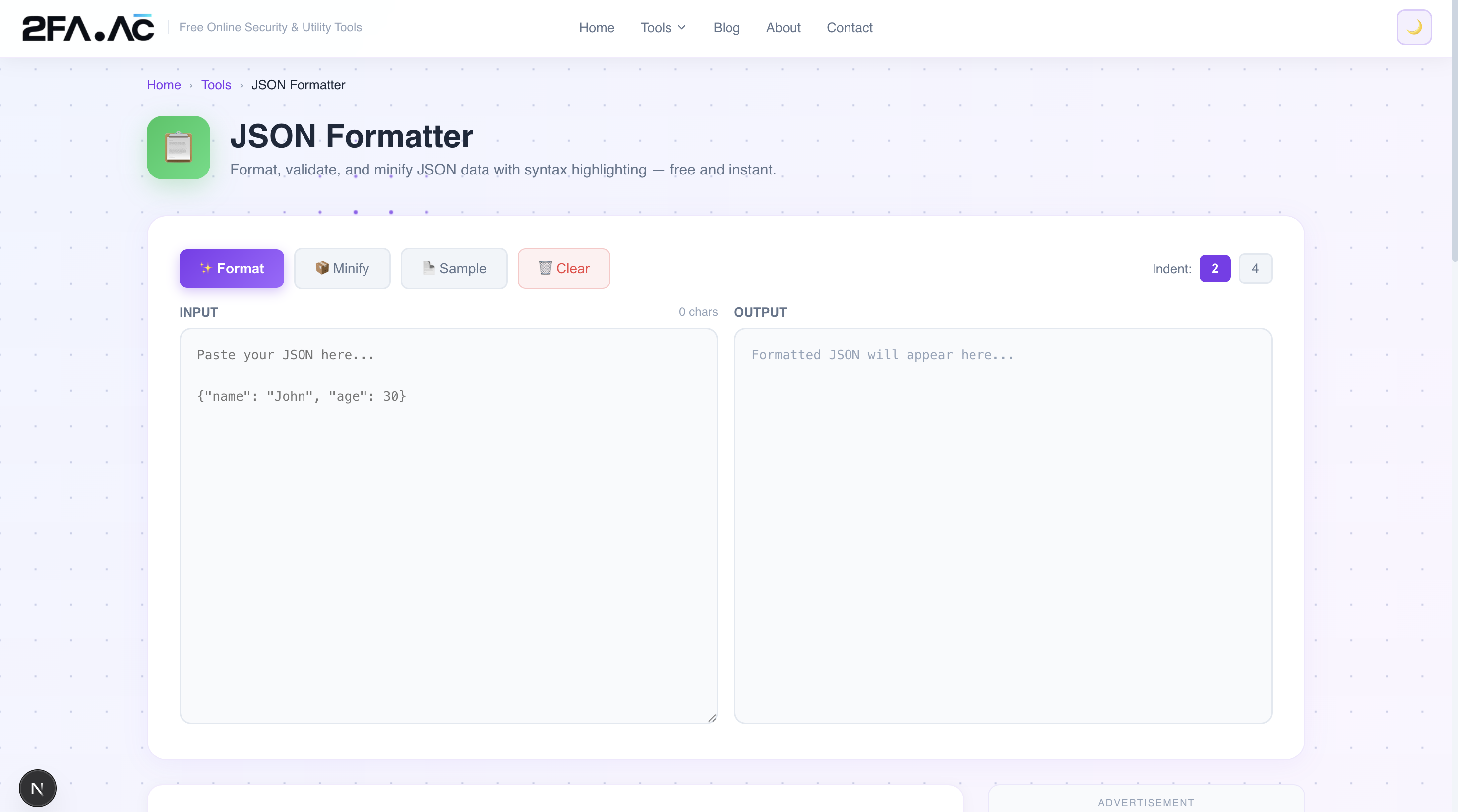
If you've got JSON you need to read, debug, or validate right now:
Go to 2FA.AC's JSON Formatter
Paste your JSON
Click Format — it either formats it or tells you exactly where the syntax error is
Copy the formatted result
The tool runs in your browser. Your JSON data never leaves your device — useful when the JSON contains sensitive information like API responses with user data or authentication tokens.
Try it now: JSON Formatter and Validator at 2FA.AC — free, instant, and completely private.
Frequently Asked Questions
Format Your JSON Instantly
Paste, format, validate. Find syntax errors in seconds. Free and private.
Format JSON →